Address
304 North Cardinal St.
Dorchester Center, MA 02124
Work Hours
Monday to Friday: 7AM - 7PM
Weekend: 10AM - 5PM
Address
304 North Cardinal St.
Dorchester Center, MA 02124
Work Hours
Monday to Friday: 7AM - 7PM
Weekend: 10AM - 5PM
Smarter Resumes. Better Jobs.
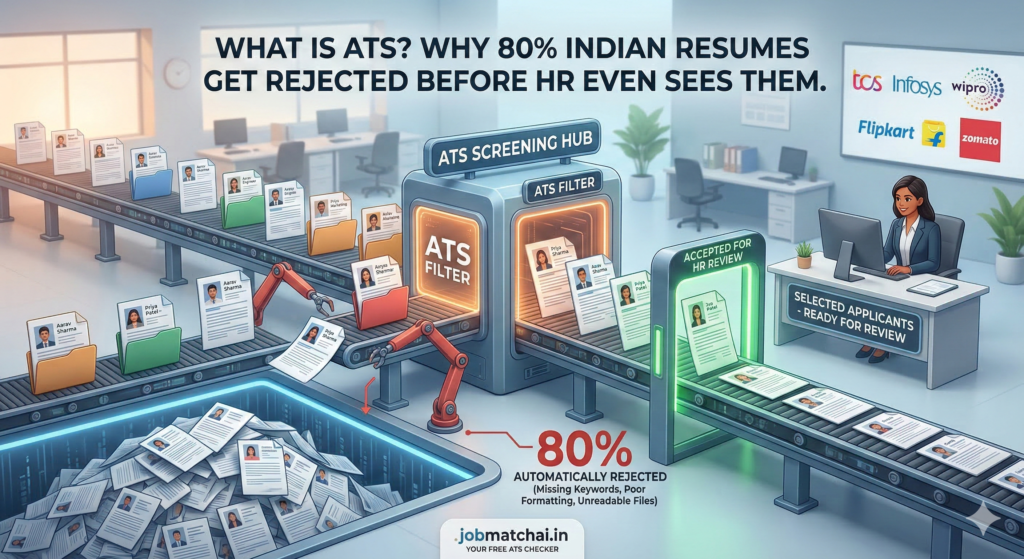
Every day, thousands of talented Indians
apply for jobs and never hear back.
Not because they aren’t qualified.
Not because their skills are lacking.
But because their resume never made it
past the ATS filter.
WHAT IS ATS?
ATS stands for Applicant Tracking System.
It is software used by companies to
automatically screen resumes before a
human recruiter ever sees them.
When you apply for a job online, your
resume goes directly into an ATS — not
into a recruiter’s inbox.
The ATS scans your resume for:
If your resume scores below the threshold,
it gets automatically rejected. The recruiter
never sees it.
HOW MANY COMPANIES IN INDIA USE ATS?
More than 95% of large companies in India
use ATS systems to screen resumes. This
includes TCS, Infosys, Wipro, HCL, Flipkart,
Zomato, Razorpay, and thousands more.
Even mid-size startups now use ATS tools
like Naukri RMS, Freshteam, and Keka HR
to manage applications.
WHY DO MOST RESUMES FAIL ATS?
The most common reasons resumes fail ATS:
HOW TO FIX YOUR RESUME FOR ATS?
Step 1 — Check your ATS score first
Use a free ATS checker to see how your
resume performs before applying.
Step 2 — Add missing keywords
Compare your resume with the job
description and add relevant keywords
naturally.
Step 3 — Fix your formatting
Use a clean single-column layout. Remove
tables, graphics, and text boxes.
Step 4 — Tailor for each job
Customize your resume for every
application. Match the language used
in the job description.
Step 5 — Use standard section headers
Use: Work Experience, Education, Skills,
Certifications — not creative names.
CHECK YOUR RESUME ATS SCORE FREE
JobMatchAI provides a free AI-powered
ATS checker that analyzes your resume
on 20+ criteria and gives you a detailed
score with actionable improvements.
Check your resume now — it takes less
than 30 seconds and is completely free.
